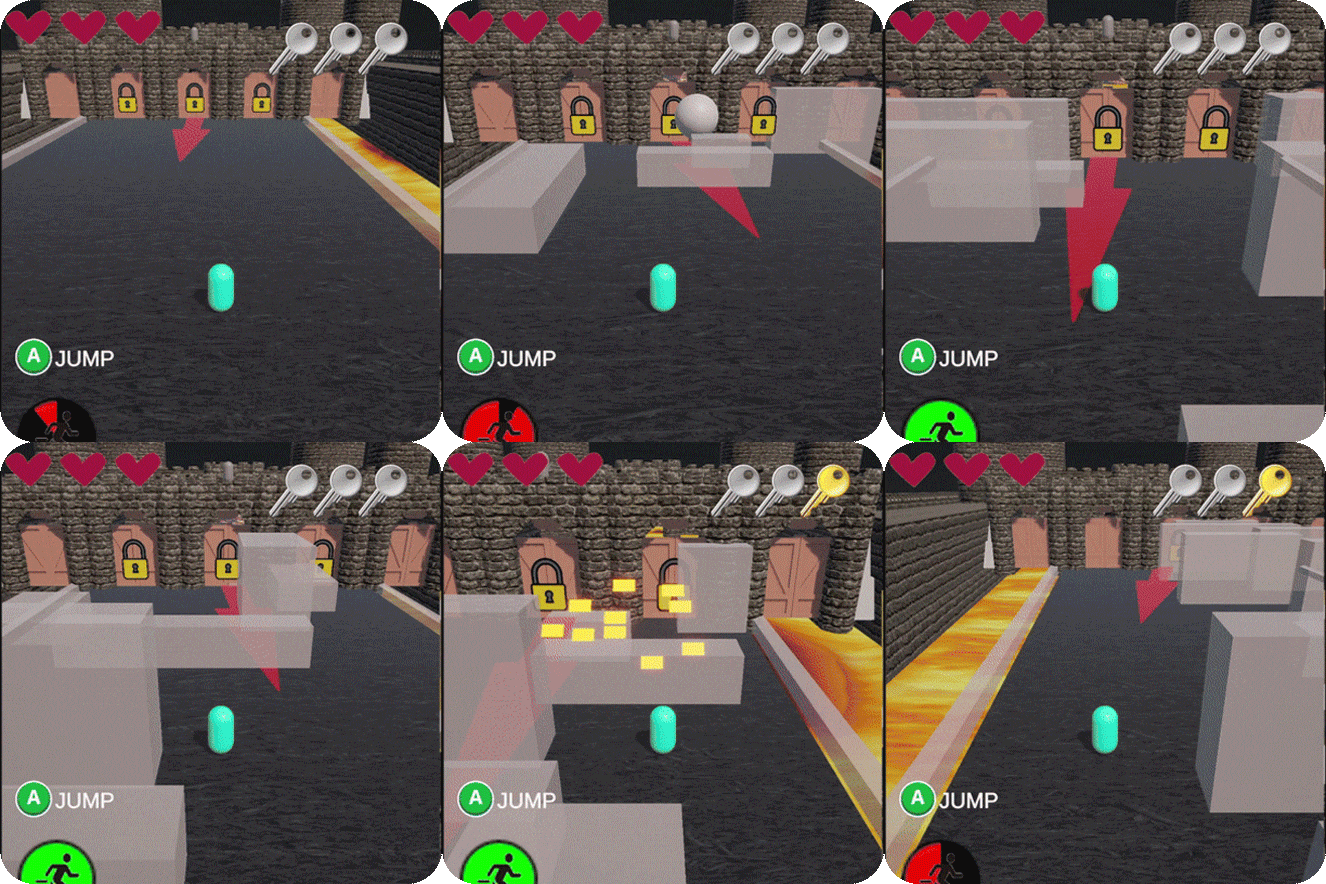
This was my first larger project in Unity, made during the second semester of my Independent Game Production bachelor. The assignment was to recreate an existing game, and I chose XCOM 2. I ended up building a small prototype featuring basic soldiers and enemies.
I began the project using Code Monkey’s turn-based strategy course as a foundation, then expanded on it with my own systems to make it feel closer to XCOM. The game generates a tile-based grid at startup, which is used by all units and obstacles. Each soldier has a limited number of actions per turn, allowing them to move, sprint, shoot, or enter overwatch mode.
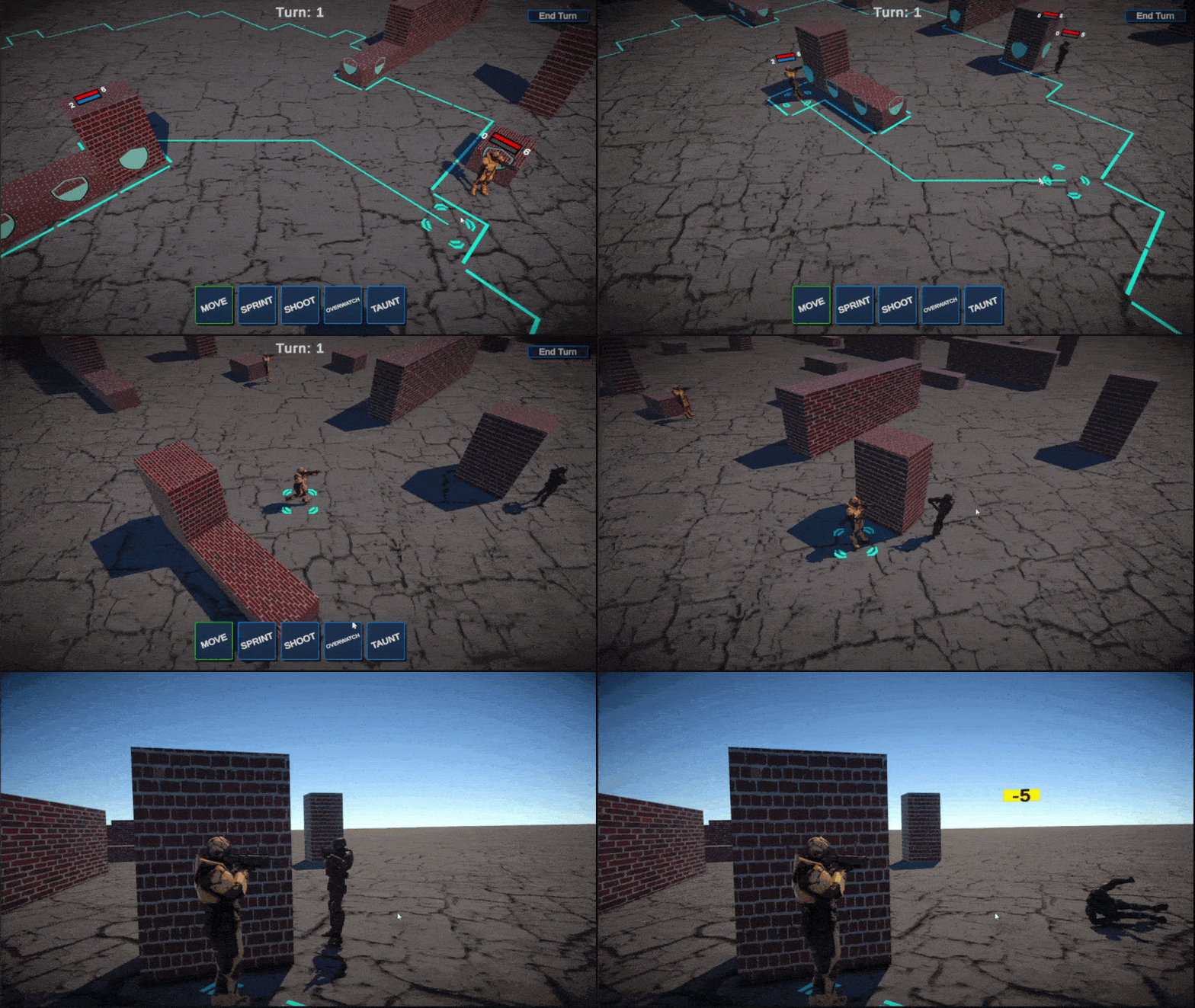
Moving costs one action point, while sprinting consumes both action points and immediately ends the unit’s turn. Any offensive action also costs one action point but instantly ends the turn as well. When shooting or being shot at, the chance to hit is determined by cover, distance, and shooting angle. If there is cover between the shooter and the target, the hit chance is reduced by either 40% or 20%, depending on the type of cover. If the target is not in cover, or if the shooter can peek around it, there is a 40% chance to deal critical damage, adding +2 damage.
There is also a taunt action, which doesn't do annything, but it’s funny, so enemies have a small chance to randomly use it.
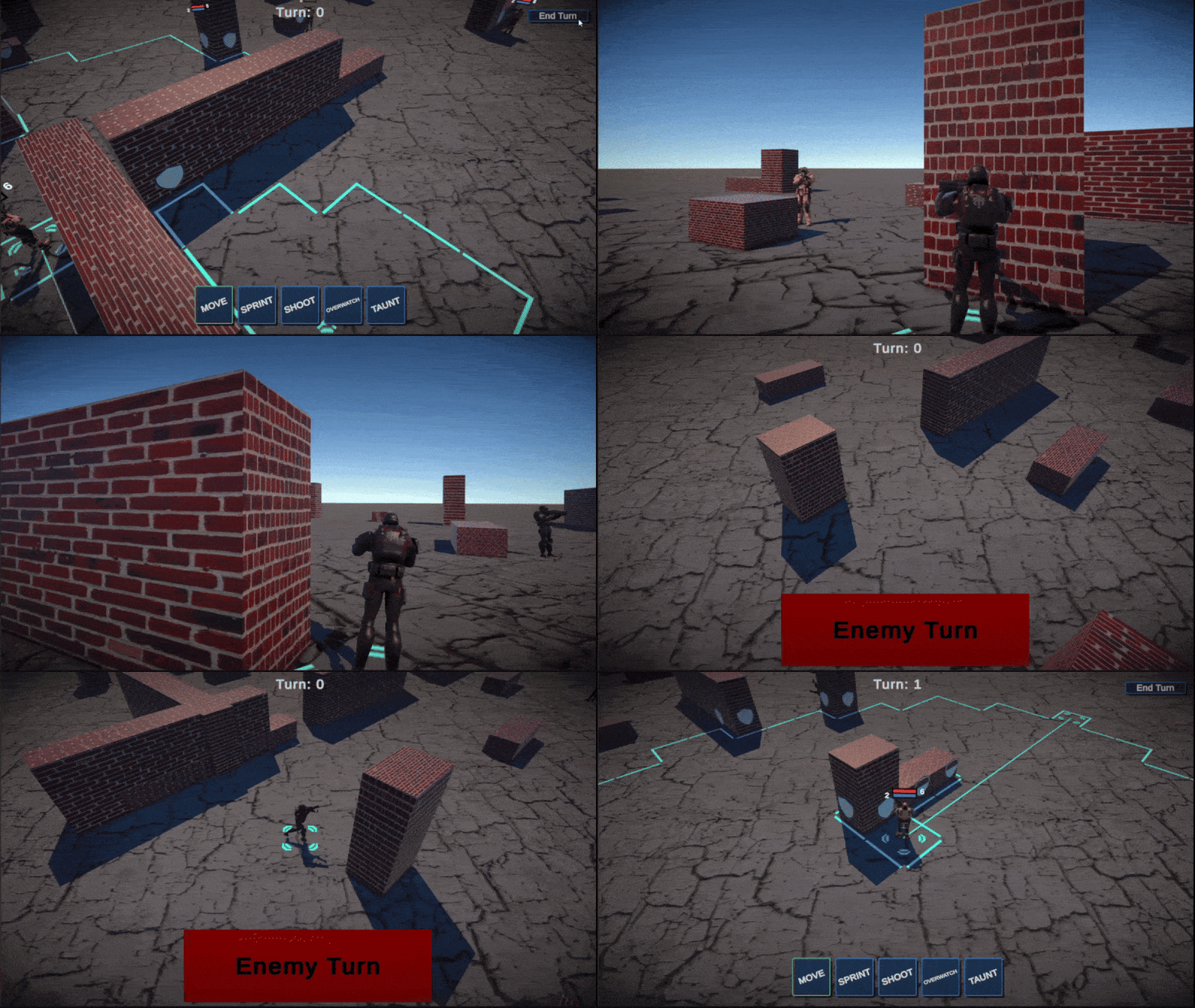
The enemies use a point-based decision system to determine which action to take each turn. When deciding whether to move, the AI considers whether it is currently being flanked, whether a potential destination tile would leave it flanked, and whether moving would allow it to see targets with a low chance to hit.
For shooting actions, the AI evaluates all visible targets and looks at the chance to hit each one. Every possible action calculates a score based on these variables, and the AI selects the action with the highest score. If all available actions score too low, the enemy will instead go into overwatch.
I definitely learned a lot from this project, as I spent a bit over 100 hours working on it. I’m especially happy with the result considering that, at the start of the same semester, I was learning Unity for the very first time. This project gave me a much deeper understanding of working with larger, more complex systems in Unity, and taught me a lot about connecting multiple systems into a single, cohesive project.
Controls:
LMB : Confirm action (except move)
RMB : Confirm move action
TAB : Switch selected unit
WASD : Pan Camera
Q/E : Rotate Camera
T/G : Zoom in or out with camera
Scroll wheel: move up and down with camera
- / + : Adjust volume